
Working offline
Field work does not wait for a signal. The mobile app is built to keep collecting when the device has no usable connection, and to upload on its own once it does.
Making a survey available offline
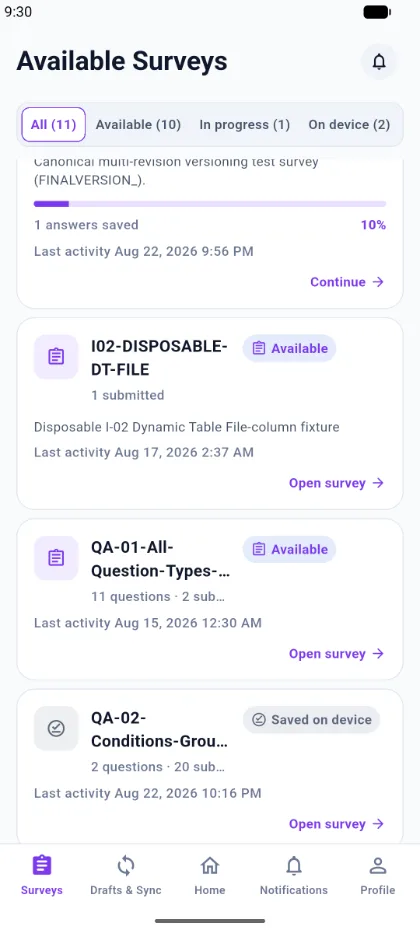
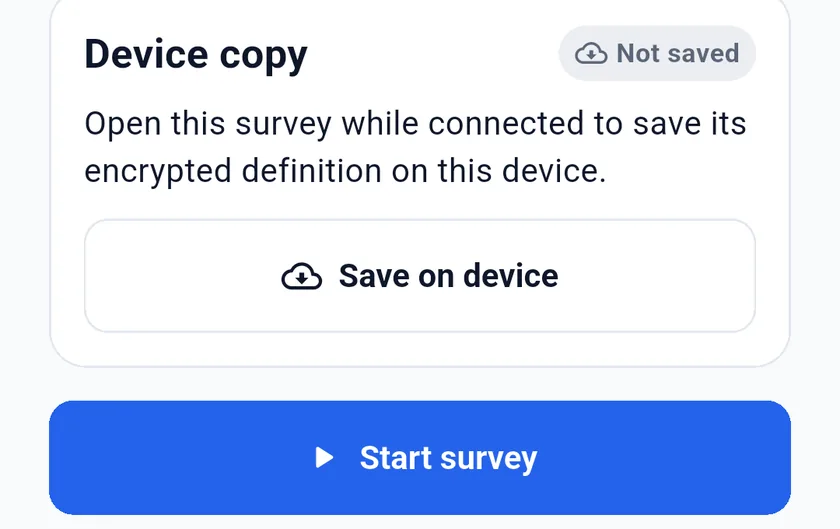
Open a survey while you still have a connection. Its definition is stored on the device, encrypted and bound to your account, and the survey list marks it On device. Use Update device copy on the details screen to refresh it after a survey has been republished.
Collecting offline
With no connection you can still:
- open a survey stored on the device;
- start a completely new response;
- answer questions and add table rows;
- save a draft and resume it later.
Everything is written to encrypted local storage as you work.
Submitting offline
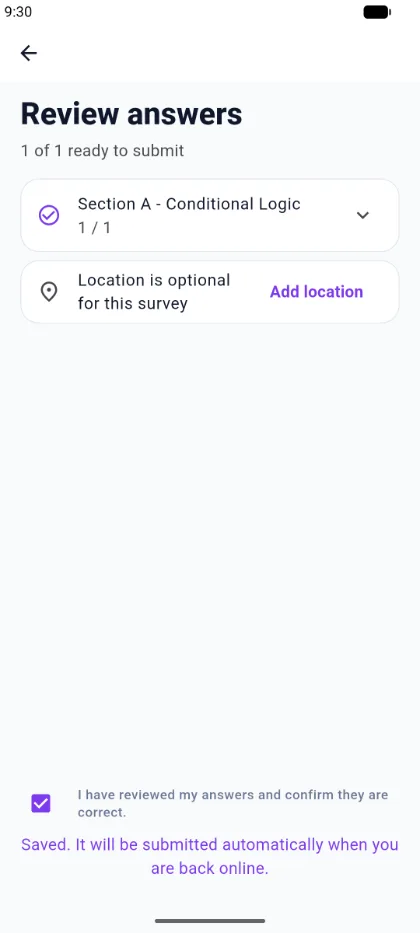
Submitting without a connection does not fail and does not lose the response. The app confirms:
Saved. It will be submitted automatically when you are back online.
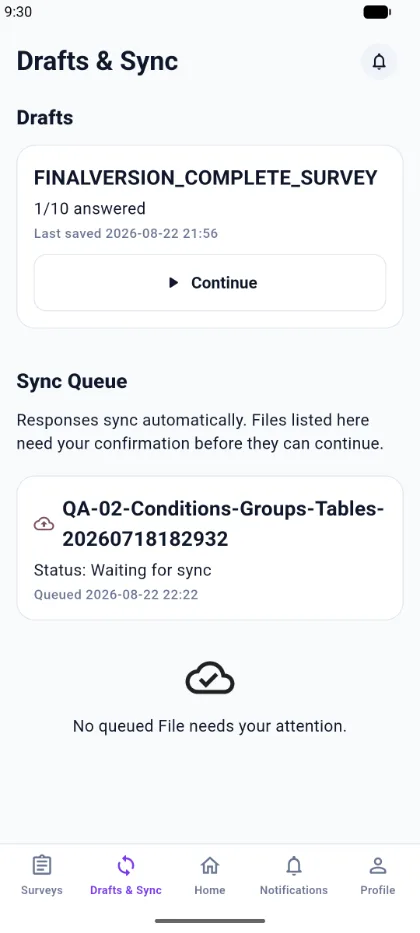
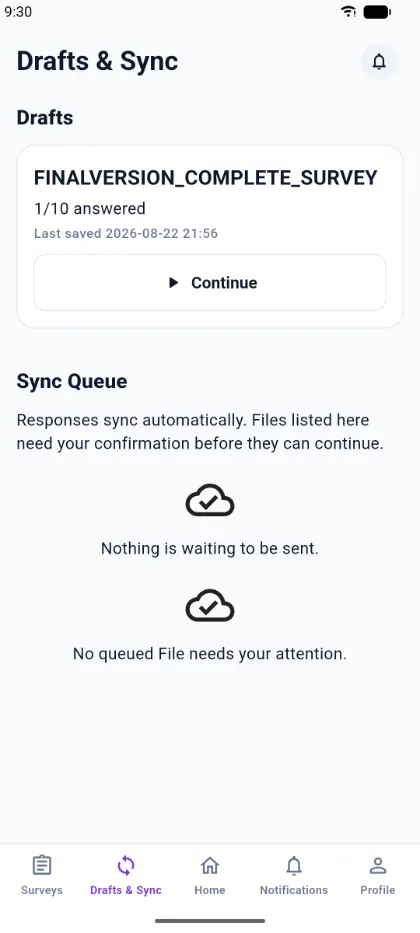
The response is placed in the sync queue with the status Waiting for sync.
Coming back online
When the app next runs with a connection, queued responses are sent automatically. A successfully accepted response is recorded on the server, and its queue entry clears.
Two details worth knowing:
- Sending is retried when the app starts and when it returns to the foreground, so a queued response may not upload the instant the network returns.
- Each queued response carries its own submission identifier. Retrying — including after restarting the app — will not create a duplicate.
Files
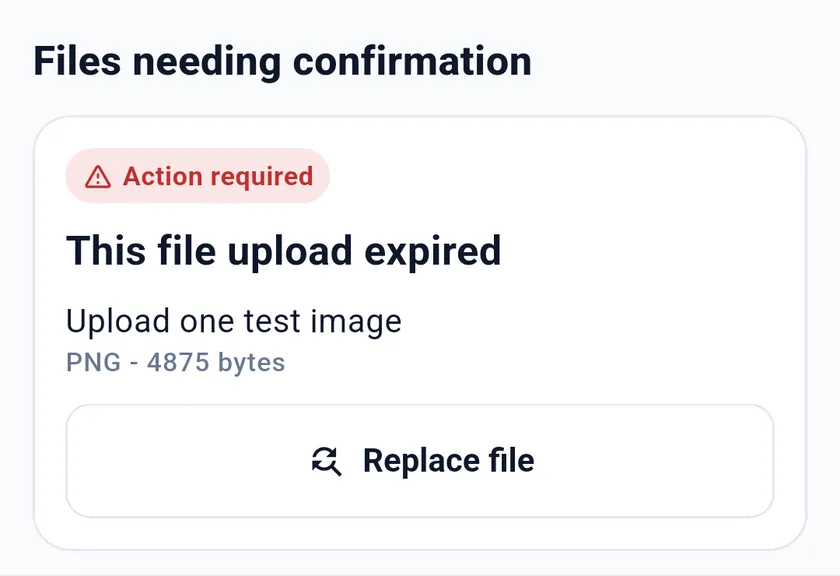
Responses upload on their own. A queued file may need you to confirm it before it is sent; the sync queue lists any file waiting on you.
What is not offline
Signing in needs a connection, and so does downloading a survey for the first time. Public survey links and portal links are online-only.