
Dynamic tables
A dynamic table collects repeating structured records inside a survey — several findings from one site visit, several assets in one household, several items on one checklist.
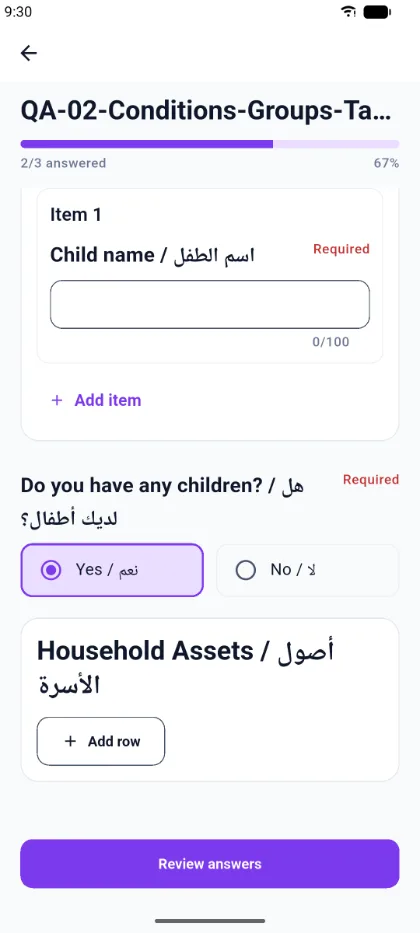
Working with rows
- Add row appends a new record. Each row is numbered.
- The delete control on a row removes that record.
- Each row contains the columns the author defined. A column can be text, a number, a choice list, a date, or a file.
Cell rules
Column rules are enforced as you type:
- Required cells are marked Required, and the table is not complete until they are filled.
- Text columns show a character counter, for example 26/250.
- Choice columns offer only the values the author configured.
- Date columns use a date picker.
Adding a row with required cells lowers your completion count until those cells are filled — the progress figure reflects the real state of the response.
Row limits
A table can define a minimum and a maximum number of rows. A survey may also fix its rows, in which case you fill the rows provided rather than adding your own. The app applies the same row bounds the server enforces.